IPTV with VPN in Canada: Privacy, Stability, and Better Streaming
A VPN can be useful in some IPTV setups, but it is not a universal fix. The real benefit depends on privacy goals, device support, and the quality of your network path.
Many Canadian IPTV users eventually ask the same question: should I use a VPN? The short answer is that a VPN can be helpful in some situations, but it is not automatically necessary for every household and it does not fix every playback problem. Like most setup choices, its value depends on what you are trying to achieve.
Some people use a VPN because they care about privacy on public or shared networks. Others test one because they want to compare network routing, troubleshoot buffering, or keep their wider streaming habits more private. Those are different goals, and they should lead to different testing habits.
This guide explains what a VPN does in the IPTV context, when it may help, when it may not, and how to decide whether it belongs in your personal viewing setup.
What a VPN actually changes for IPTV use
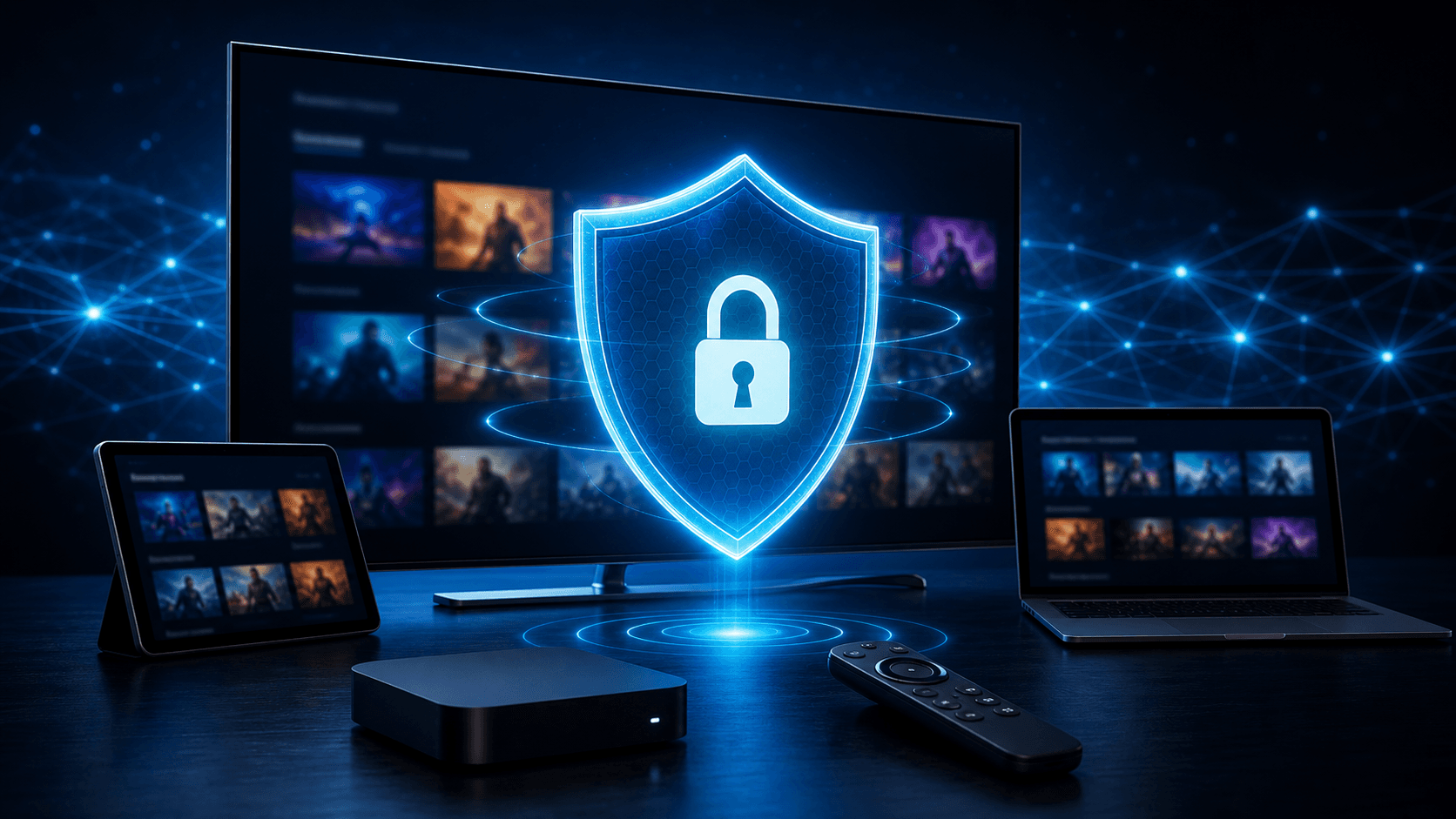
A VPN creates an encrypted connection between your device and the VPN service, which changes how your internet traffic travels across part of its route. In simple terms, that can help with privacy and can sometimes change how your connection reaches the service you are using.
That does not mean a VPN guarantees better streaming. Sometimes it helps. Sometimes it makes no noticeable difference. In some cases, it can even slow things down if the chosen VPN server is crowded or far from your location. This is why testing matters more than assumptions.
The key is to treat a VPN as a tool, not a magic switch. Its usefulness depends on the reason you are using it and the device you are using it on.
When a VPN may help Canadian IPTV users
Privacy is the clearest reason many users choose a VPN. If you regularly use shared networks, public Wi-Fi, or simply prefer an extra layer of control over your internet traffic, a VPN can make sense as part of your broader digital routine.
A VPN may also be worth testing when you suspect that your current route is unstable. In those situations, a different route through the VPN provider can sometimes improve consistency. The important word is sometimes. You still need to compare results carefully rather than assuming improvement.
Some users also like the peace of mind that comes from a more controlled connection path when watching on mobile devices outside the home.
Privacy-focused households
If your priority is privacy rather than speed, a VPN is easier to justify because the value comes from the connection model itself, not only from any playback change.
For these users, even small tradeoffs in convenience may be worth it.
Users troubleshooting inconsistent routing
If your IPTV works well at some times and poorly at others, a VPN test may help reveal whether the route to the service is part of the issue.
This type of test is most useful when you compare the same device, app, and content both with and without the VPN.
When a VPN may not improve your IPTV experience
If your local Wi-Fi is weak, your device is overloaded, or your app is a poor fit, a VPN will not solve those problems. Users sometimes add extra complexity before they have fixed the basics, which makes troubleshooting harder instead of easier.
A VPN can also reduce speed if the server you choose is not ideal. That is why the right test is a side-by-side comparison, not a guess. If playback is clearly better without the VPN, you have your answer.
The same logic applies on lower-powered devices. Some streaming hardware handles extra connection layers better than others, so performance can vary depending on the screen you use most.
How to test IPTV with a VPN properly
The best test is controlled and simple. Use the same device, the same app, the same stream type, and the same time of day. First test without the VPN, then test with it under as close to identical conditions as possible.
Pay attention to more than buffering. Notice menu speed, guide loading, category switching, and how quickly the app signs in. A VPN affects the whole connection flow, so the user experience should be judged across the whole app.
If you test on multiple devices, keep notes. A VPN that feels fine on a phone may not feel as good on a Smart TV or older streaming stick.
- Test the same content both with and without the VPN
- Use the same device and app for a fair comparison
- Check live TV, guide data, and on-demand sections
- Compare during your normal viewing hours
Best practice: build the basics first
The smartest approach is to make sure your basic IPTV setup already works well before adding a VPN. Confirm that the app is compatible, your device is updated, your Wi-Fi is stable, and your provider has helped you choose the right login path. Then, if you want more privacy or want to compare routing, add the VPN as a second step.
This order matters because it prevents confusion. If you introduce a VPN before the basic setup is stable, every issue becomes harder to interpret. You will not know whether the problem comes from the app, the network, the device, or the VPN route.
For most users, that layered approach leads to cleaner results and better confidence in the final setup.
How to decide whether a VPN belongs in your long-term setup
A VPN makes the most sense when it supports a clear goal. If your priority is privacy on public networks, the value may be obvious even if playback stays roughly the same. If your priority is performance, then the VPN only earns a permanent place in your setup if your controlled tests show a meaningful improvement in the times and rooms where you usually watch.
This is why long-term decisions should be based on repeated testing rather than one lucky result. A single smooth session does not prove that the VPN is helping. Test on the same device over several viewing sessions and note whether navigation, guide loading, and playback are consistently better. Reliable improvement is what matters, not a one-off success.
You should also think about convenience. If enabling the VPN adds friction that makes the service harder to use for other people in the household, that tradeoff may outweigh the benefits unless privacy is the main reason you are using it. A technically clever setup is not always the best household setup.
For many Canadian users, the most sensible answer is not "always use a VPN" or "never use a VPN." It is "build a clean base setup first, then test whether a VPN makes your personal environment better." That approach respects both privacy and practicality.
When framed that way, a VPN becomes one optional layer in a thoughtful IPTV setup rather than a confusing requirement. That is usually the healthiest way to make the decision.
This perspective also protects users from overcomplicating the service too early. When you separate privacy goals from performance goals, your testing becomes more honest and your long-term setup becomes easier to explain to the rest of the household.
In other words, the VPN question is best answered by evidence from your own environment. That practical mindset keeps the setup both smarter and calmer.
- Define whether your goal is privacy, routing, or both
- Compare results across several normal viewing sessions
- Evaluate convenience for the whole household
- Keep the basic IPTV setup stable before adding complexity
- Use evidence from your own devices, not assumptions
Final takeaways
Users often feel pressured to take a hard position on VPNs, but the healthiest approach is usually more flexible than that. You can value privacy, test routing benefits, and still decide that the cleanest everyday setup is the one that stays closest to your normal device workflow. Good decisions come from matching the tool to the goal, not from forcing the same answer onto every household.
If you remember that principle, the VPN question becomes easier to answer over time. Keep notes during testing, compare real viewing sessions, and make the final decision only after you understand the tradeoff between privacy, convenience, and performance on your most important screen. That is how a useful optional tool stays useful instead of turning into unnecessary complexity.