How to Watch IPTV on Apple TV, iPhone, and iPad
Apple users often want the cleanest possible IPTV setup. The right app and a careful first login usually make the experience much smoother on iPhone, iPad, and Apple TV.
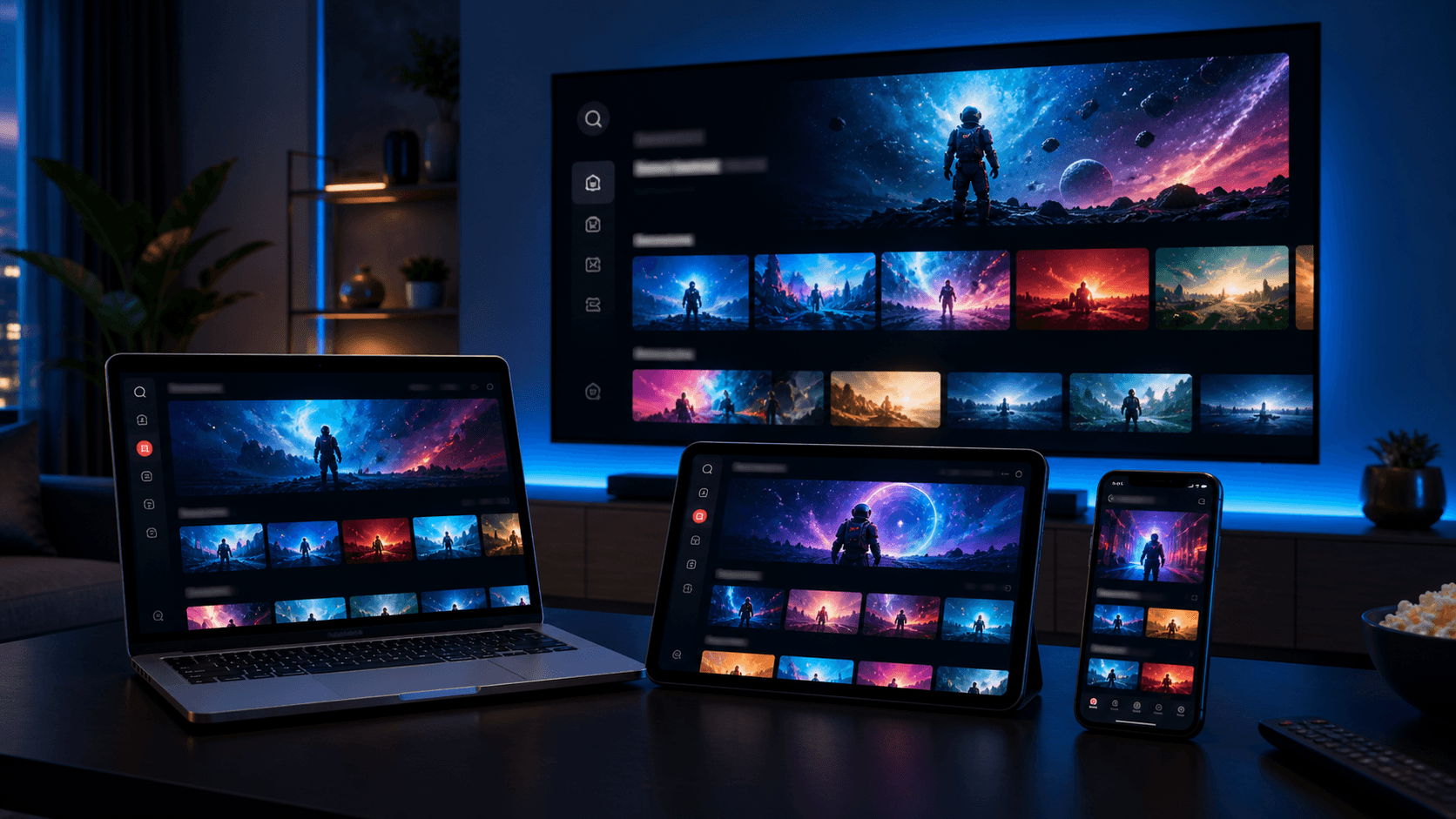
Apple users often expect streaming setup to feel clean, fast, and polished. That expectation carries over to IPTV as well. Whether you are using an Apple TV in the living room or an iPhone and iPad on the go, the experience improves a lot when the app is compatible and the initial login is handled carefully.
The Apple ecosystem has its own strengths. Devices are responsive, the app stores are familiar, and the interface expectations are high. At the same time, this means not every IPTV app path feels equally natural on iOS or tvOS, so a good recommendation from support matters.
This guide explains how to watch IPTV on Apple TV, iPhone, and iPad, what to test during the first setup, and how to solve the most common problems without turning the process into a technical headache.
Choose the Apple device that matters most
The first step is deciding where the main experience will happen. If you primarily want living-room viewing, start with Apple TV. If portability matters more, begin on iPhone or iPad. Apple users often have several screens available, but your setup will feel smoother if you optimize for the device you use most often.
Apple TV is ideal when you want remote-based navigation on a main television. iPhone and iPad are excellent for quick testing, travel, and casual viewing. Knowing your priority helps support recommend the most suitable compatible app and setup path.
This device-first mindset also helps you judge performance fairly. A polished mobile experience is useful, but it should not distract you from the screen that matters most in daily use.
Install a compatible app from the App Store
Once you know the main device, download the recommended compatible player app from the App Store. Apple users usually benefit from keeping the setup simple and using the app path that support already knows works well for that device category.
Open the app and review the available login method. Some apps favor playlist URLs, while others guide you through username, password, and server entry. Following the exact format from support prevents most early frustration.
Because Apple devices generally respond quickly, users sometimes assume the login should be instant and judge the service too soon. Even on Apple hardware, the first content import can take a little time.
Why Apple TV setup feels different from iPhone setup
Apple TV setup is more focused on the large-screen navigation experience, while iPhone and iPad setup emphasizes touch interaction and portability.
The best app may differ between those environments even within the same Apple ecosystem.
Why recommended app paths matter on Apple devices
Because Apple users often expect a polished flow, choosing an app that is already known to behave well on the platform can save time and reduce friction.
This matters even more for beginners who want a guided experience instead of lots of experimentation.
Complete the first login and test the library properly
After entering your account details, wait for the app to load the live sections, on-demand content, and guide data. Apple devices are often fast, but the service still needs time to sync the library on the first run.
Test more than one section before deciding whether the setup is complete. Open live TV, browse movies or series, load the guide, and check how quickly the interface responds when you switch categories or return to the home screen.
If you plan to use multiple Apple devices, this is a good moment to decide whether you want the same app style everywhere or a different experience on mobile versus the TV.
Tips for a better Apple IPTV experience
On iPhone and iPad, think about mobile habits. Adjust brightness, subtitle preferences, and whether you want Wi-Fi-only behavior when testing longer viewing sessions. A stream that feels perfect for a quick test might need small settings adjustments for regular travel or couch viewing.
On Apple TV, focus on navigation quality. The living-room experience is strongest when categories are easy to browse, favorites are set early, and the guide feels readable from a normal distance.
If you also care about privacy while travelling, you can compare your normal network with a VPN-supported path later, but it is still best to confirm the base setup first.
Fixing common Apple TV, iPhone, and iPad issues
If the app signs in but the library seems incomplete, wait a little longer and refresh the app once the first sync settles. Guide and category data do not always appear at the exact same moment.
If the app closes unexpectedly, check for iOS or tvOS updates and confirm that the app version is current. Apple devices are usually stable, so app crashes often improve after updates or a fresh restart.
If playback feels inconsistent, compare Wi-Fi conditions and test whether the issue appears on all Apple devices or only one. That helps you determine whether the problem is account-wide or device-specific.
Why Apple users should still test before choosing a long plan
Apple hardware can make almost any app feel cleaner, but it is still worth using a trial or careful early test period before choosing a long-term subscription. You want to confirm not only that the app works, but that it fits the way you actually watch.
That means testing both comfort and performance. Do you like the interface on the device you use most? Does the guide feel readable? Is switching between live TV and on-demand smooth enough for everyday use?
If those answers are yes, Apple devices can become one of the most enjoyable IPTV environments, especially for households that value a polished and familiar app ecosystem.
How Apple users can build a clean cross-device routine
One of the biggest advantages of using IPTV on Apple devices is the chance to create a polished routine across several screens. You might use Apple TV for the main television, an iPad for casual viewing in another room, and an iPhone for quick checks while travelling. The key is to decide what each device is for instead of expecting every screen to feel identical.
For example, your Apple TV setup should optimize for remote navigation, guide readability, and favorites on the main screen. Your iPhone setup may prioritize quick startup and touch-based convenience. Your iPad might sit somewhere in the middle, acting as both a personal and shared viewing screen. Once you define those roles, app decisions become much more logical.
This approach also helps with troubleshooting. If playback feels different between devices, you can judge the issue in context instead of assuming something is wrong everywhere. A problem isolated to one screen is much easier to solve than a vague sense that "Apple is not working well."
In the end, the best Apple IPTV experience is not just about having nice hardware. It is about pairing that hardware with the right app flow, realistic testing, and a setup routine that matches the way you move through your day. When those pieces line up, Apple devices can deliver one of the cleanest IPTV experiences available.
That is also why Apple users should not feel pressured to overcomplicate things. A simple, stable app on the right screen is often better than a more advanced app that interrupts the polished experience people expect from Apple devices.
Once the roles of each device are clear, Apple setups often become some of the easiest IPTV environments to maintain over time.
- Assign a clear role to each Apple device
- Optimize Apple TV for couch viewing and guide use
- Keep mobile setup focused on convenience
- Compare device issues in context before troubleshooting
- Use trials to confirm comfort on the screen that matters most
Final takeaways
Apple users often notice small interface details more than anything else, so the app fit matters a great deal. If scrolling, guide browsing, or switching between sections feels clumsy, the whole setup will feel less polished than it should. When the app is chosen carefully, though, Apple TV, iPhone, and iPad can turn IPTV into one of the most elegant streaming workflows available.
That elegance is the real goal for many Apple households. You are not only looking for compatibility. You are looking for a setup that feels smooth enough to disappear into the background, so the content and the routine take over. That is why careful testing on the right Apple screen is always worth the extra attention.