IPTV Subscription for Multiple Devices: What You Need to Know
Many households want IPTV across more than one screen, but the best multi-device setup starts with clear expectations and smart device planning before purchase.
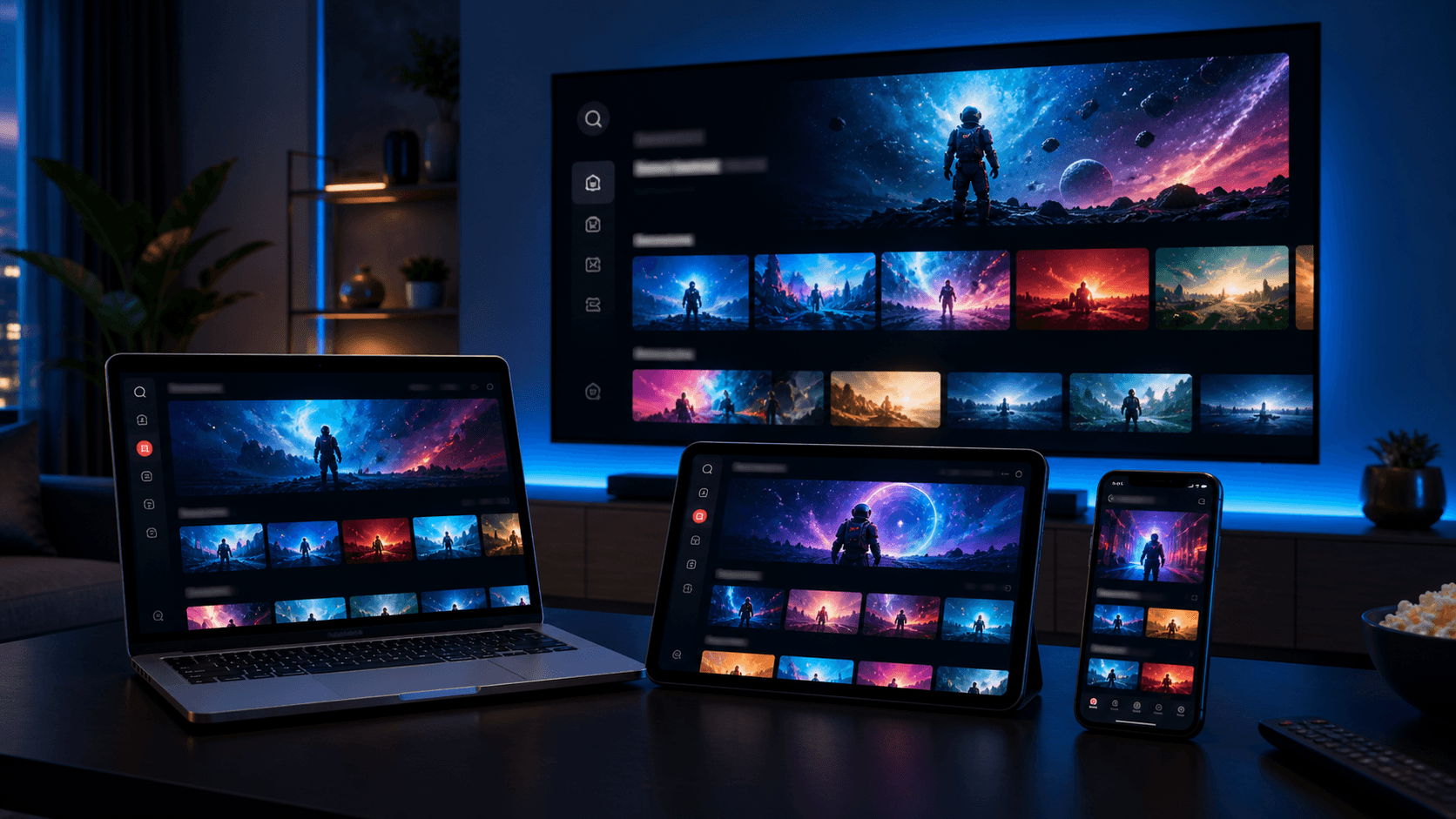
A lot of IPTV households do not watch on just one screen anymore. The living-room TV may be the main destination, but people also want access on a bedroom Firestick, an iPad, a phone, or a laptop. That makes multi-device planning one of the most important parts of choosing the right subscription.
The challenge is that users often assume “more devices” means the setup will automatically be simple. In reality, the best multi-device experience depends on clear expectations, compatible apps, and a provider that explains how the subscription should be used before purchase.
This guide covers what to consider when planning IPTV for multiple devices, how to test compatibility sensibly, and how to avoid the most common setup mistakes across a household.
Start with your household viewing pattern
The smartest multi-device setup starts by identifying the main screen, the secondary screen, and the occasional-use screen. If the main television gets most of the viewing time, optimize that experience first and treat the phone or tablet as a convenience layer rather than the center of the setup.
This matters because each device category has different strengths. Smart TVs offer comfort, Firesticks offer portability, Android TV boxes offer control, and mobile devices offer flexibility. When you know how your household actually watches, you can choose apps and priorities more intelligently.
Without that planning step, users often spend too much time trying to make every screen perfect at once. That usually creates confusion instead of clarity.
Why one app does not always suit every device
Some households assume the same IPTV app should be used everywhere. That can work, but it is not always the best experience. A large-screen television may benefit from a remote-friendly app, while a phone or tablet may feel better with a touch-first interface.
The goal should be consistency where it helps and specialization where it improves comfort. For example, you might prefer one app on the living-room TV and a simpler mobile app for casual travel viewing.
This is another reason why support quality matters. A provider that understands app fit can help you choose the smoothest path instead of pushing a single generic recommendation.
Television-first app choices
Large screens benefit from readable guides, clean categories, and quick remote navigation.
If the TV is the heart of your setup, prioritize that experience even if it means choosing a different mobile app later.
Mobile-first convenience choices
Phones and tablets are often best when the login flow is simple and the interface is easy to browse in short sessions.
The perfect TV app is not always the perfect mobile app, and that is normal.
How to test a multi-device IPTV setup
The best way to test is to begin with the main screen and then add one secondary screen. If you try to validate every device at once during the first hour, you will create too many variables. A step-by-step rollout gives you a clear understanding of what works and what still needs attention.
Use the free trial or the initial setup period to confirm the main device experience first. Then test the second device using the app and login method recommended for that platform. This helps reveal whether any issue is isolated to one screen or part of the general setup.
Keep notes about which app was used on each device, how easy the login felt, and whether guide data and on-demand content loaded cleanly. Those notes make support conversations much more productive if you need help.
- Start with the primary household screen
- Add only one secondary device at first
- Track which app is used on each device
- Compare guide loading and playback behavior
Common mistakes in multi-device households
One common mistake is prioritizing the easiest secondary device instead of the most important main device. If the living-room setup still feels weak, it does not matter that the tablet experience is perfect.
Another mistake is assuming that a slower device problem means the whole service is weak. In reality, older Smart TVs, cluttered Firesticks, or crowded Android boxes may simply need a better app or a cleaner setup.
A third mistake is failing to ask pre-purchase questions about household expectations. Clear communication with support can prevent a lot of frustration later.
Questions to ask before choosing a plan
If multi-device use matters to you, ask practical questions before you buy. Which app is recommended for your main TV? Which app is suggested for your mobile device? What setup help is available if one screen needs a different app path than another?
These questions tell you more than a general promise ever could. They show whether the provider has a real onboarding process for different devices or only a single generic message for everyone.
The answers also help you choose the right plan more confidently, because you are evaluating the service as a household solution instead of a single-screen product.
Best strategy for households in 2026
The strongest strategy in 2026 is to build outward from the main screen. Start with the living-room device or the screen that matters most, use support to choose the right app, and then expand to secondary screens one by one.
This approach makes troubleshooting much easier and leads to a more polished experience overall. Each extra device becomes an informed addition rather than another source of chaos.
If you want a clean multi-device rollout, combine the pricing page, app compatibility page, FAQ, and installation guide before you commit. That gives your household a much better foundation from day one.
A sample rollout plan for families and shared homes
A practical household rollout often looks like this: begin with the main television and the app recommended for that screen. Spend a few days making sure the guide is readable, favorites are organized, and the most important categories work well during regular viewing hours. Only after that base experience feels stable should you add a bedroom device, a phone, or a tablet.
The reason this works so well is that it gives the whole household a dependable reference point. If the main TV already feels good, every additional device becomes a comparison exercise instead of a blind guess. You can ask whether the second device is easier or harder to use, whether the app feels better or worse, and whether any issue is isolated to that screen.
Families also benefit when they think about who will use each device. A power user may enjoy an advanced Android TV app, while children or less technical relatives may be happier with a simpler Smart TV or mobile interface. Matching the app to the person is often just as important as matching it to the hardware.
This planning approach reduces support headaches as well. When you can tell support that the main TV works, the tablet works, but the bedroom Firestick feels slow, the next step becomes obvious. Clear household structure creates clearer troubleshooting and better outcomes.
For that reason, the best multi-device IPTV setup is rarely the one that tries to do everything on day one. It is the one that grows in a controlled way from the most important screen outward. That method produces the smoothest long-term experience for shared homes in 2026.
When families skip that structure, even good services can feel harder than they really are. A little rollout planning can therefore create as much value as the plan itself.
That is why the best multi-device setups tend to look boring at first: they are organized, deliberate, and built to stay manageable as the household grows into them.
- Stabilize the main TV before adding more screens
- Use each extra device as a controlled comparison
- Match the app to the user as well as the hardware
- Give support precise household context when asking for help
- Expand gradually instead of testing everything at once
Final takeaways
Households that succeed with IPTV across several devices usually share one habit: they make the setup understandable for everyone using it. That means clear favorite lists, sensible app choices, and a support plan that does not depend on one person remembering every technical detail. Simplicity scales much better than complexity when more people and more screens are involved.
Seen that way, a multi-device subscription is not only about getting access on many screens. It is about creating a viewing system the household can actually live with. When the main TV feels strong, the secondary devices feel intentional, and support questions are easy to describe, the whole setup becomes much more valuable over the long term.