IPTV Canada for Sports Streaming in 2026: Complete Setup and Viewing Guide
Sports streaming is one of the biggest reasons Canadian viewers compare IPTV options. This guide explains how to build a smoother, more reliable sports viewing setup without relying on hype or risky claims.
Sports are one of the hardest viewing categories to judge during an IPTV Canada trial because they expose every weakness in a setup. A movie can buffer once and still feel acceptable. A live match, race, fight night, or tournament window feels very different because the viewer wants fast loading, stable playback, smooth switching, and a guide that makes the event easy to find. That is why sports-focused buyers need to compare IPTV services differently from casual entertainment viewers.
A strong IPTV sports setup is not only about the subscription. It is the combined result of your device, app, network, account details, and support quality. A service can look promising on a sales page, but if your Firestick is overloaded, your Smart TV app is a poor match, or your Wi-Fi drops during peak viewing hours, sports playback will feel frustrating. The best approach is to build the whole setup carefully before judging the plan.
This guide explains how Canadian viewers can plan IPTV for sports streaming in 2026. It covers device choice, app selection, free trial testing, buffering checks, multi-device planning, plan value, support questions, and practical steps that help sports fans make better decisions before choosing a longer subscription.
Why sports streaming needs a stronger IPTV setup
Sports viewing is time-sensitive. If a live event is delayed, freezes during a key moment, or takes too long to locate inside the app, the experience feels worse than the same technical issue during casual viewing. This is why sports users should care about stability, navigation speed, and device performance before they commit to a plan. The catalog size matters, but daily usability matters more.
Another challenge is peak demand. Many sports events happen during popular evening or weekend windows when household networks may already be busy. Someone may be gaming, another person may be watching video on a phone, and the main TV may be trying to stream a high-quality feed. A good IPTV setup should be tested under those real conditions, not only during a quiet afternoon.
Sports users also switch more often. They may move between live categories, event lists, guide views, and replay sections. A slow app or awkward remote layout becomes more noticeable because the viewer is actively browsing. That is why a sports-friendly IPTV Canada subscription should be evaluated as a complete viewing workflow.
- Live events expose buffering faster than movies or series
- Guide quality matters when events are time-sensitive
- Remote navigation should feel quick on the main device
- Peak viewing hours should be part of the trial test
- Support should understand device-specific sports playback issues
Choose the right primary device for sports
The primary device is the screen you will trust during the events that matter most. For many Canadian households, that is the living-room Smart TV. For others, it is a Firestick, Android TV box, Apple TV, or tablet. The best device is not always the newest or most expensive one. It is the device that gives you the most reliable combination of app support, remote control comfort, and network stability.
Smart TVs are convenient because everything happens on one screen with one remote. That simplicity can be excellent for sports if the recommended player app is available and responsive. The risk is that some older TV platforms have limited app choices or slower processors. If the app feels heavy, an external streaming device may be better.
Firestick remains popular because it is affordable, portable, and familiar. It can be a strong sports option when storage is clean and the app is chosen carefully. Android TV boxes often appeal to users who want more control over layout and guide behavior. Apple TV can be excellent for viewers who value smooth navigation and a polished interface. The correct choice depends on your household, not on a universal ranking.
When Smart TV makes sense
Smart TV works best when the app loads quickly, the guide is readable from the couch, and the remote makes switching categories easy. If those three things are true during your trial, the built-in route may be the cleanest sports setup.
For users who do not want extra hardware, Smart TV is often the most comfortable choice. Just confirm app compatibility before assuming it will be the best path.
When a streaming device is better
A Firestick, Android TV box, or Apple TV may be better when your television has weak app options or slow navigation. External devices also make it easier to change apps later if your viewing habits evolve.
Sports fans who switch between events often appreciate the extra flexibility of a dedicated streaming device, especially when the app interface is more responsive.
Pick an IPTV app that is fast under pressure
The IPTV player app shapes the sports experience more than many buyers expect. A good app should make live categories easy to reach, keep guide data readable, and switch streams without making the user feel lost. For sports, a clean interface is not just a design preference. It affects whether you can find what you want quickly when the event is already starting.
Beginners often assume the most advanced app is automatically the best, but sports viewers should start with the app that performs well on the main device. If a simpler app loads faster and makes the guide easier to browse, it may be the better sports choice. If you are comfortable with deeper controls, a more advanced Android TV app can be excellent, but only after the basic setup is stable.
Ask support which app they recommend for sports viewing on your device. The answer will reveal whether the provider understands real setup differences or only gives generic instructions. A specific recommendation is valuable because app fit can reduce buffering, improve navigation, and make troubleshooting much faster.
- Prioritize fast category switching
- Check guide readability on the main screen
- Use favorites for frequent sports sections
- Avoid changing apps before the first sync finishes
- Ask support for device-specific app guidance
How to test sports during a free trial
A free trial is only useful if you test it like a real viewer. For sports, that means testing during the time window when you normally watch live events. If you only test at a quiet time of day, you may miss network or device behavior that appears during peak evening hours. Use the trial to simulate real conditions as closely as possible.
Start with your main device. Open the recommended app, wait for the content library and guide data to finish loading, and then browse the categories you expect to use most. Test live playback for longer than a few seconds. Short checks are useful for confirming login, but they do not reveal whether the stream remains stable during a real session.
It is also smart to test support during the trial. Ask one specific question, such as which app setting helps your device, how to refresh the guide, or whether a second device is recommended for your sports setup. The quality of that answer matters. Sports viewers often need fast, clear help when timing is important.
Trial checklist for sports fans
A strong trial test should include live playback, guide loading, category switching, favorites setup, and at least one support question. These checks show whether the whole service flow is ready for regular use.
Do not judge the service before the first app sync finishes. Many apps need time to import categories and guide data, especially on the first login.
- Test during your normal sports viewing hours
- Watch one stream long enough to evaluate stability
- Switch between categories and return to favorites
- Refresh the EPG if guide data appears incomplete
- Ask support one device-specific question
Reduce buffering before important events
Buffering is the issue sports viewers notice first, and the fix often begins at home. Restart the router and streaming device before a major event, close unused apps, and make sure the IPTV app is not competing with too many background processes. These simple steps can improve stability before you start blaming the subscription.
Wi-Fi location matters too. A Smart TV or Firestick tucked behind a large entertainment unit may receive a weaker signal than a phone held nearby. If sports playback is important, test the actual device in the actual room where you watch. If possible, compare Wi-Fi with a stronger network path or wired option. The goal is to remove local uncertainty before judging the service.
Inside the app, change one setting at a time. If the app offers decoder, buffer, or playback options, test carefully and keep notes. Random changes can make the experience harder to understand. Controlled testing is calmer, faster, and more useful when support asks what you already tried.
- Restart router and streaming device before big events
- Clear storage on Firestick and Android TV devices
- Test the real viewing room, not only a phone near the router
- Avoid changing multiple playback settings at once
- Report device, app, and timing details when asking for help
Plan selection for sports households
Sports-focused buyers often benefit from a trial-first approach before choosing a longer plan. A short test confirms whether the device, app, and network are ready. Once that confidence exists, an annual plan can make more sense because sports viewers usually want continuity across seasons, tournaments, and recurring events.
The 12-month plan is often attractive because it balances value and convenience. It avoids frequent renewals while giving the household enough time to settle into a stable setup. The longest plan can also make sense for users who have already tested thoroughly, but first-time buyers should avoid choosing purely by the biggest discount. Confidence should come before commitment.
Before purchase, use the pricing page to compare plan lengths, the free trial page to start testing, the installation guide to prepare your main device, and the app page to confirm compatibility. Those internal resources work together. They turn sports IPTV from a quick purchase into a more informed setup decision.
Multi-device sports viewing
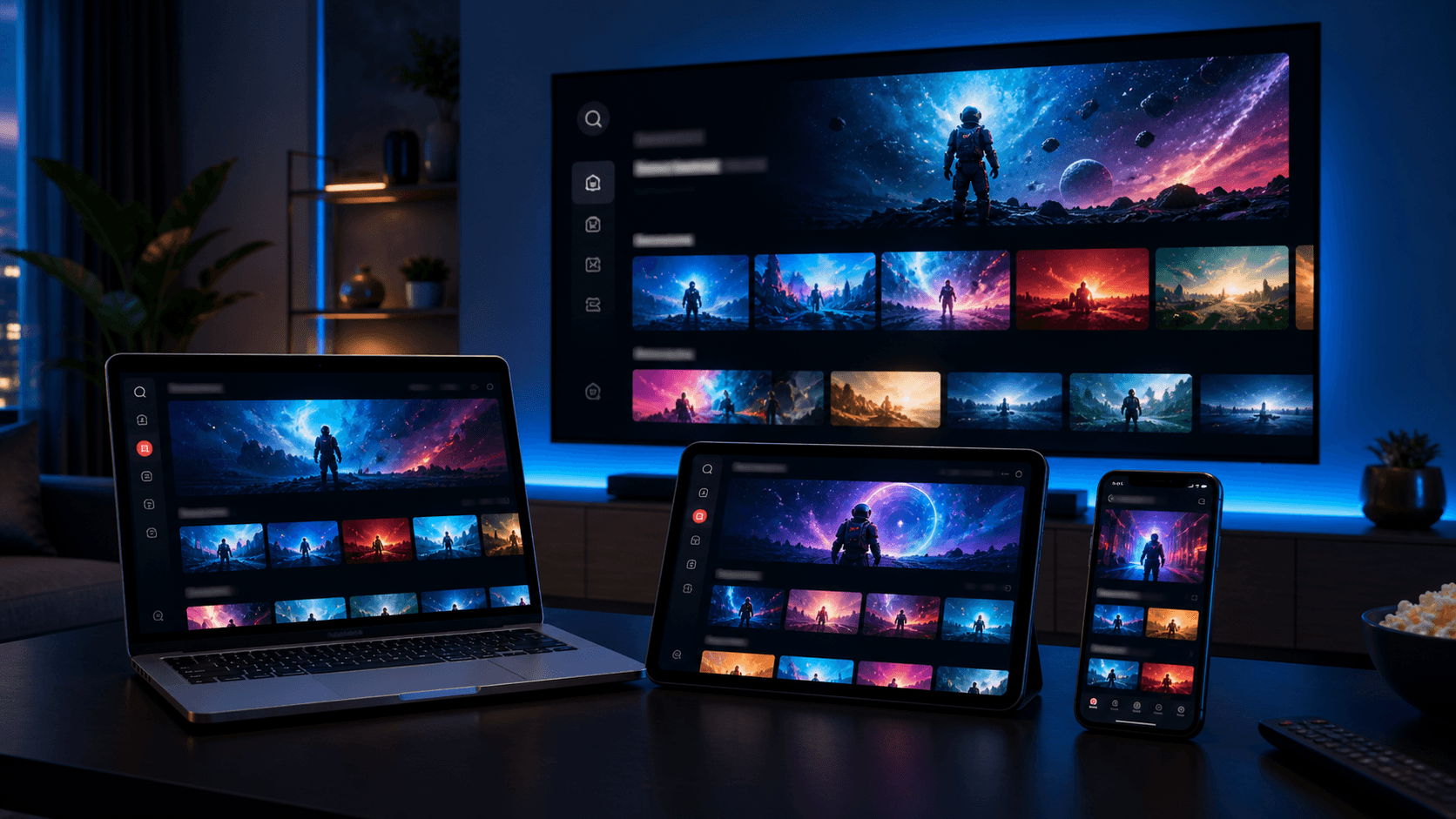
Many sports households want more than one screen. Someone may watch the main event on the living-room TV while another person checks a second event on a tablet or phone. Multi-device planning can be useful, but it should be discussed before purchase so expectations are clear. Do not assume every plan or setup works the same way across multiple screens.
Start with the main television and make it stable first. Then add a secondary device only after the primary setup feels reliable. This order keeps troubleshooting simple. If the TV works well but the tablet does not, the issue is likely device or app specific. If both struggle, the network or account setup deserves more attention.
The multiple-devices guide on the site is useful for this step because it explains how to build outward from the main screen. Sports users should follow that approach carefully because events are time-sensitive and confusion grows quickly when several screens are added at once.
Questions to ask support before sports season
Good support can make a sports setup feel much safer. Before choosing a plan, ask which app is recommended for your main device, how long activation usually takes, what to do if the guide appears incomplete, and whether there are device-specific tips for reducing buffering. These questions are practical and reveal how prepared the provider is.
You should also ask what information support needs if something goes wrong. A strong support process usually asks for device name, app name, connection type, and whether the issue affects all streams or only one category. If support can explain that clearly before purchase, the after-purchase experience is usually smoother.
The best sports IPTV setup is built before the first big event, not during it. Prepare the device, test the app, organize favorites, and confirm how to contact support. Those steps create a calmer experience when the event actually starts.
- Which app should I use on my main device?
- How do I refresh guide data before an event?
- What setup steps reduce buffering on my device?
- What details should I send if I need support?
- Should I test a second device before choosing a longer plan?
Final sports streaming takeaways
IPTV Canada for sports streaming in 2026 is best approached as a complete setup, not a single subscription purchase. The plan matters, but so do device choice, app fit, network stability, support quality, and trial testing habits. Sports are demanding because they are live, time-sensitive, and often watched during peak hours.
If you want the best chance of a smooth experience, begin with the free trial, test during realistic viewing hours, use the installation guide for your main device, compare app options, and choose a plan only after the setup feels comfortable. This process takes a little more effort at the beginning, but it produces far more confidence than buying based on a headline claim.
For most sports viewers, the right setup is the one that feels stable, easy to navigate, and supportable when questions appear. That is the standard to use when comparing any IPTV Canada subscription for live sports, events, and regular household viewing.